Sotomeshi

Compare meals out by the numbers before you choose

See listed items from supported chains with their source and the date we checked them. You can also see combined totals for up to five items. No sign-up, and free to use.

App Store Coming soon
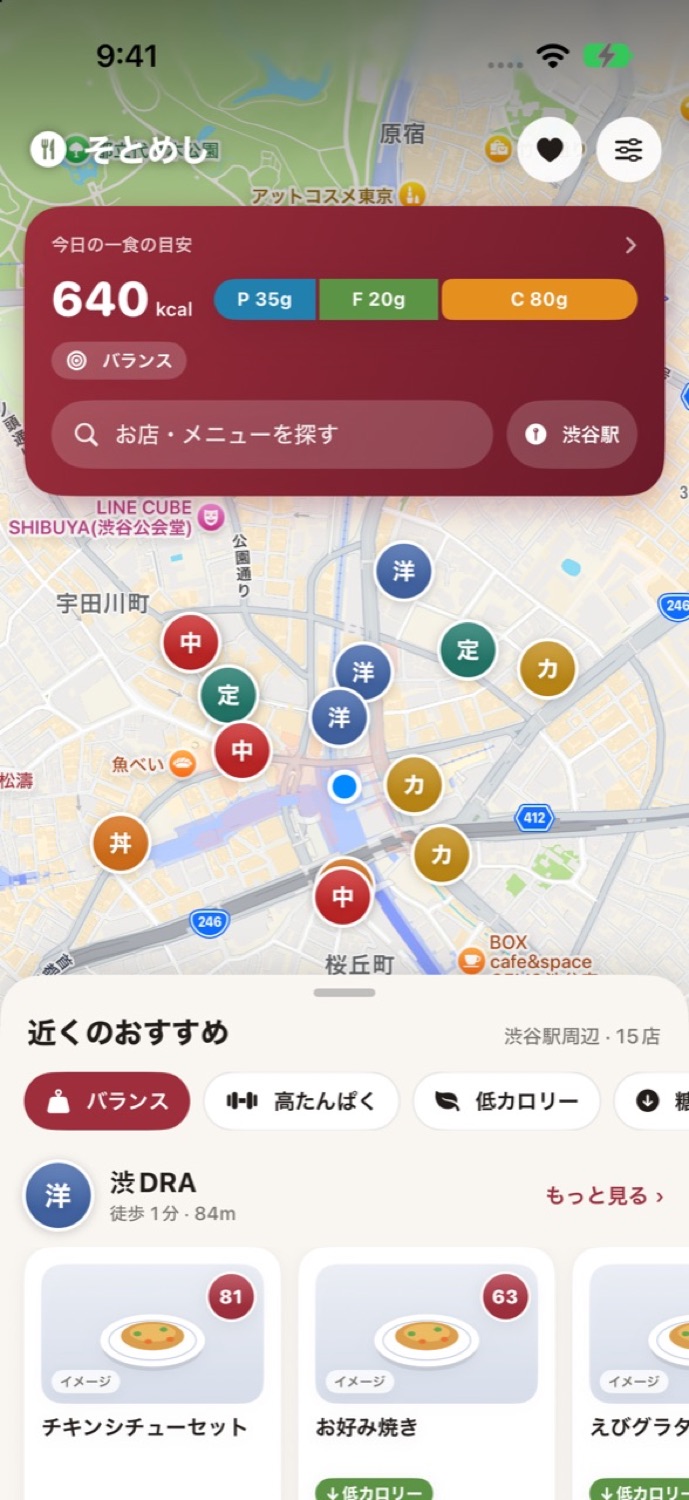
App screen
What you can do

Choose your usual meals out with reliable information

01

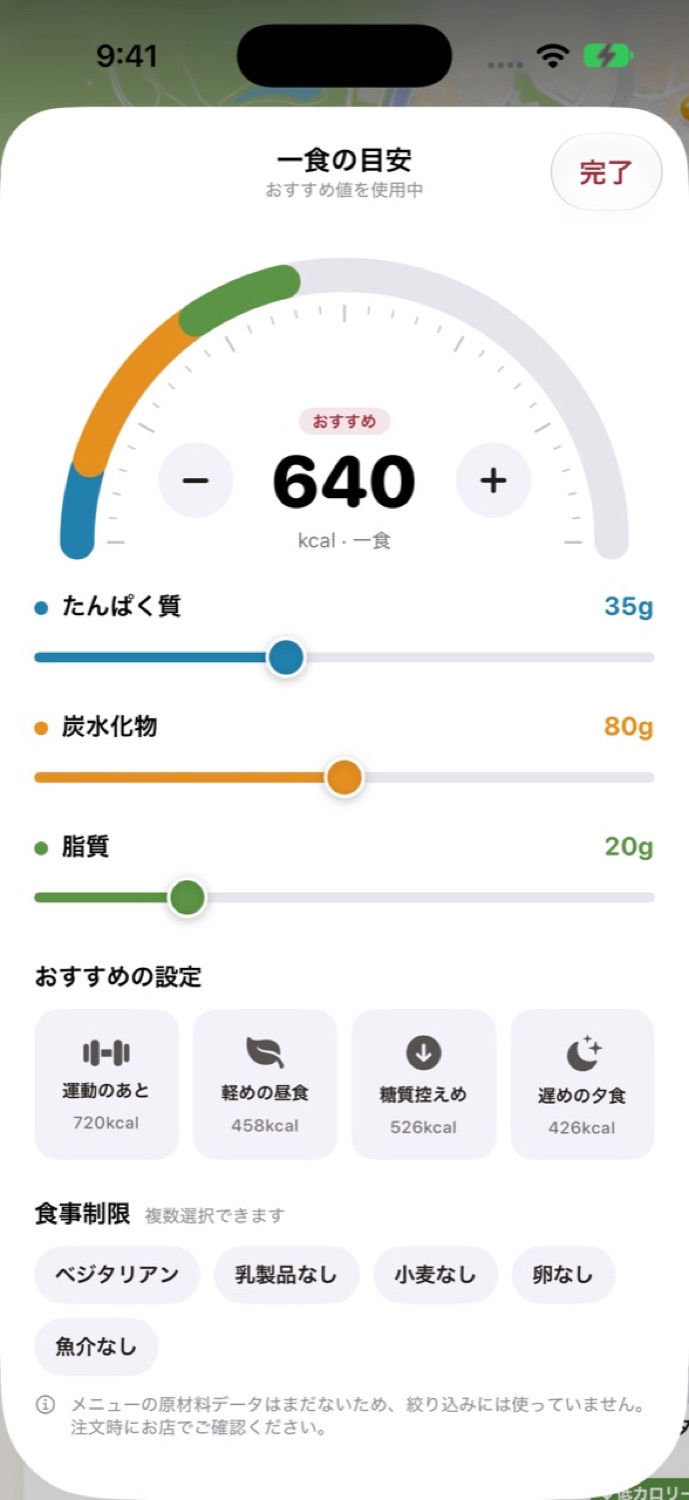
Items that meet your own limits, with the numbers to show why

Optionally set a maximum for energy, a minimum for protein and a maximum for salt equivalent. Only items that meet all of them are marked as a match, with the numbers as the reason. Items missing a needed value go under "Can't tell".

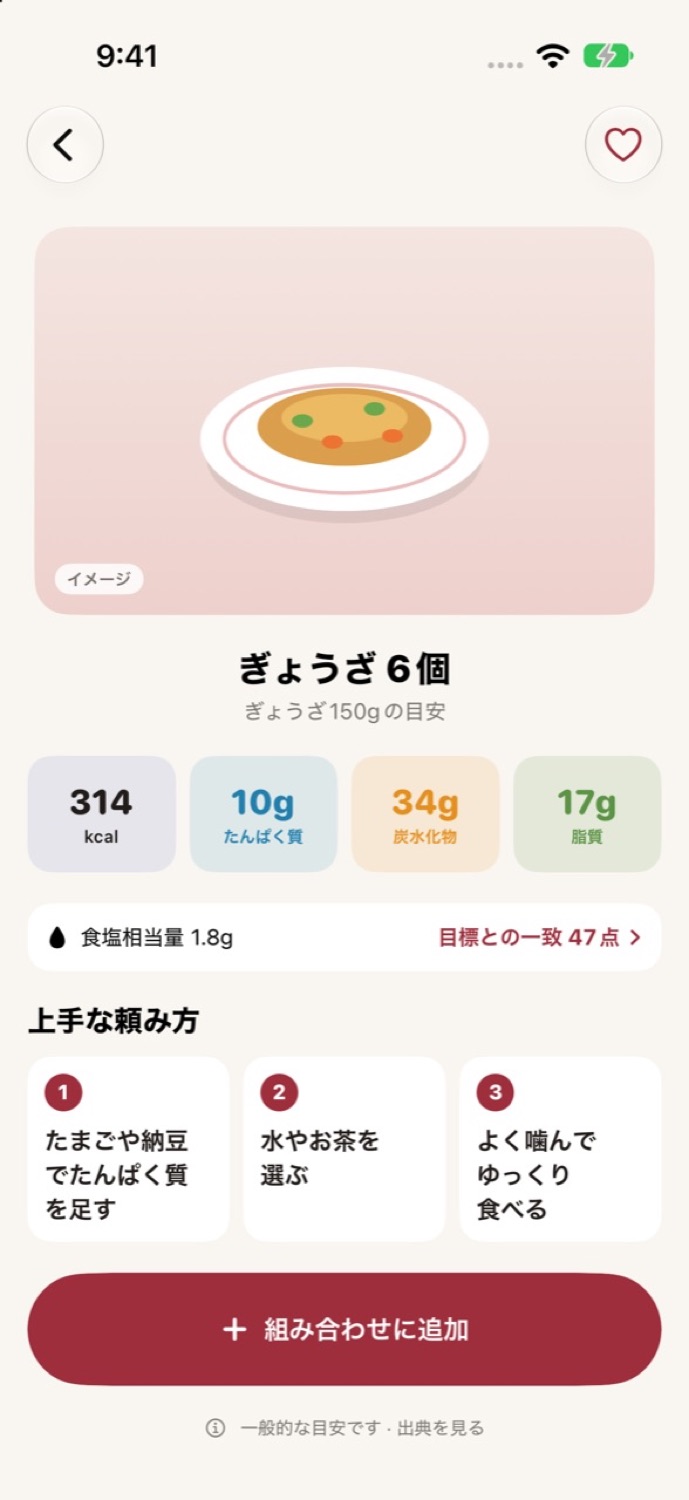
App screen
02

See the total when you add a side dish to a set meal

Combine up to five items from the same restaurant, and nutrition is added up by quantity. Unpublished values make the total "Unknown", and the known part is shown separately as a reference. Matches and overages against your limits are shown side by side.

03

Every listed item comes with its official source and check date

Each item shows its size, nutrition per serving, source, check date and region. Salt equivalent is listed when it is published. Unpublished values are marked as unpublished and never filled in with zero or a guess.

04

Find restaurants by station or area, without location access

Search by restaurant, chain, station or area name, so you can look up places near a business trip or your office ahead of time. Your current location is used only when you choose nearby search and allow it.

App screen
How it works

Getting started

  1. Tap Find a restaurant

    No account or card needed. Start searching in one tap from the first screen.

  2. Search by restaurant or station

    Find supported restaurants by restaurant, chain, station or area name. You can browse every listed item without setting any limits.

  3. Combine, compare and save

    Combine up to five items and check the nutrition total and how it matches your limits. Save restaurants and meals you use often on your device.

Free from search to saving

In the current version, search, nutrition details, combining and saving are free. We don't ask for an account or a card.

Location is used only when you allow nearby search

If you don't allow it, we don't get your location. Searching by station or area name still works.

What you save stays on your device and can be deleted at once

Your limits and saved restaurants and meals are stored on your device. You can delete them all from Settings.

FAQ

Questions

Which restaurants are supported?

We list chains in Japan whose official menus and nutrition information we can check. Not every restaurant in the country is covered. Unsupported names are shown as unsupported, and each restaurant's page shows what is listed.

Why are some nutrition values missing?

Values that aren't officially published are shown as unpublished. We don't fill them in with zero or a guess. A combination that includes such a value shows its total as unknown, with the known part shown separately as a reference.

Can I always order the listed items?

We don't guarantee stock or availability at each store on a given day. The check date and region are shown. Discontinued items and items past their check period are excluded from matches, and saved screens show their status.

Do I need to enter my weight or age?

No. You set limits such as maximum energy yourself if you want to. There's no feature that calculates intake from your body size, and you can browse every item without setting limits.

Sotomeshi
Choose your usual meals out with reliable information

App Store Coming soon